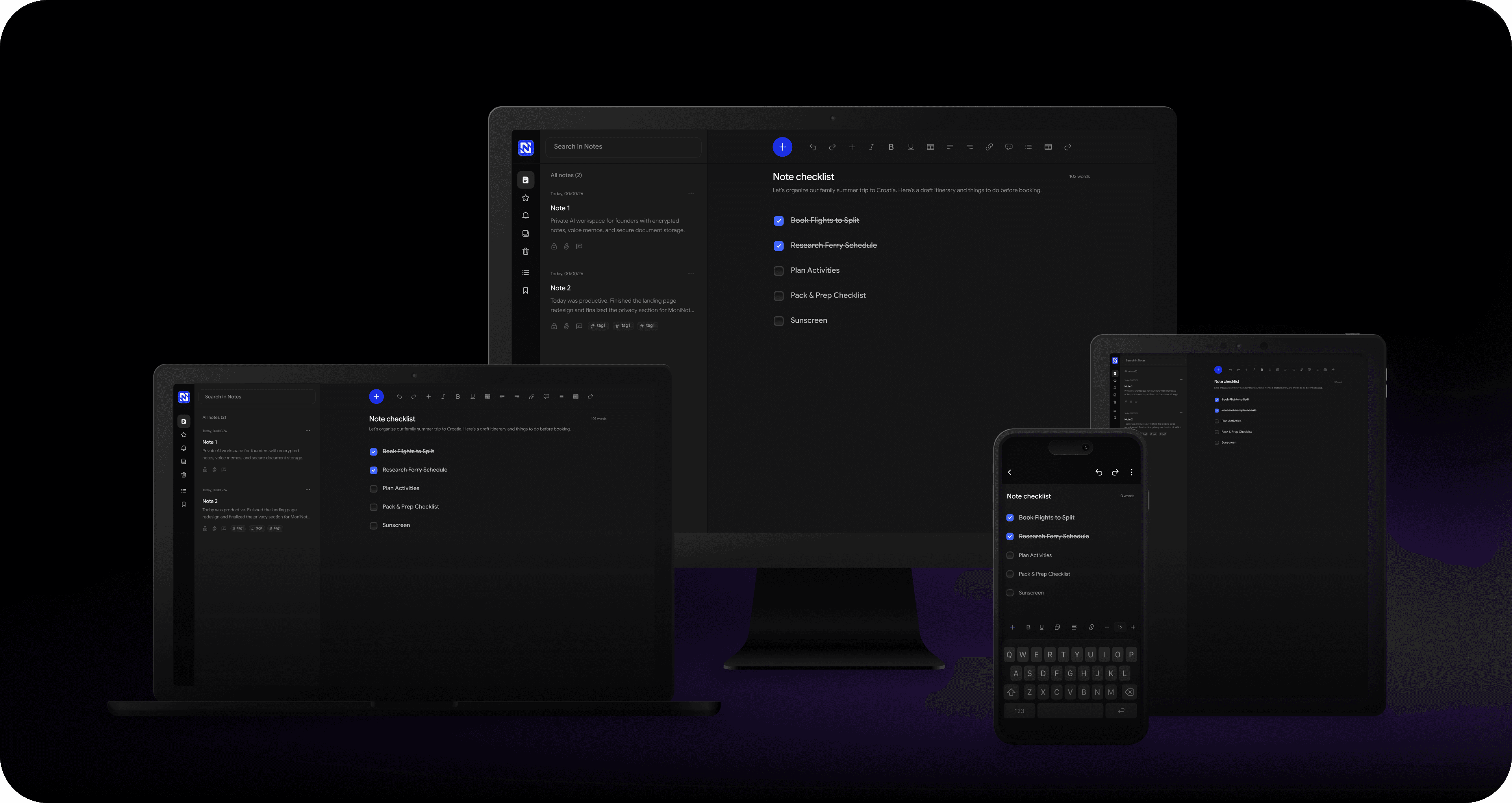
Simple note-takingwith powerful privacy

No tracking. No data collection. Just your notes.
MoniNotes official logo: A stylized, connected blue letter 'M' forming a shield icon, representing secure and private note-taking.

Everyday features

Simple tools to help you write, organize, and focus.
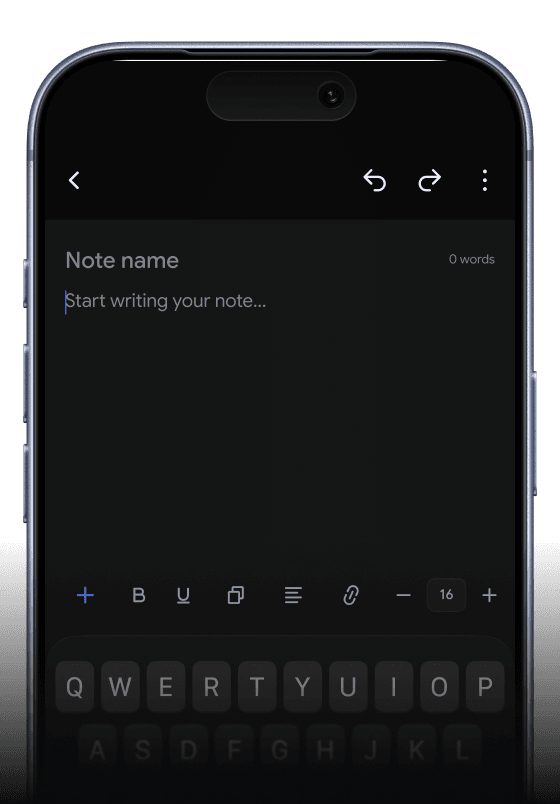
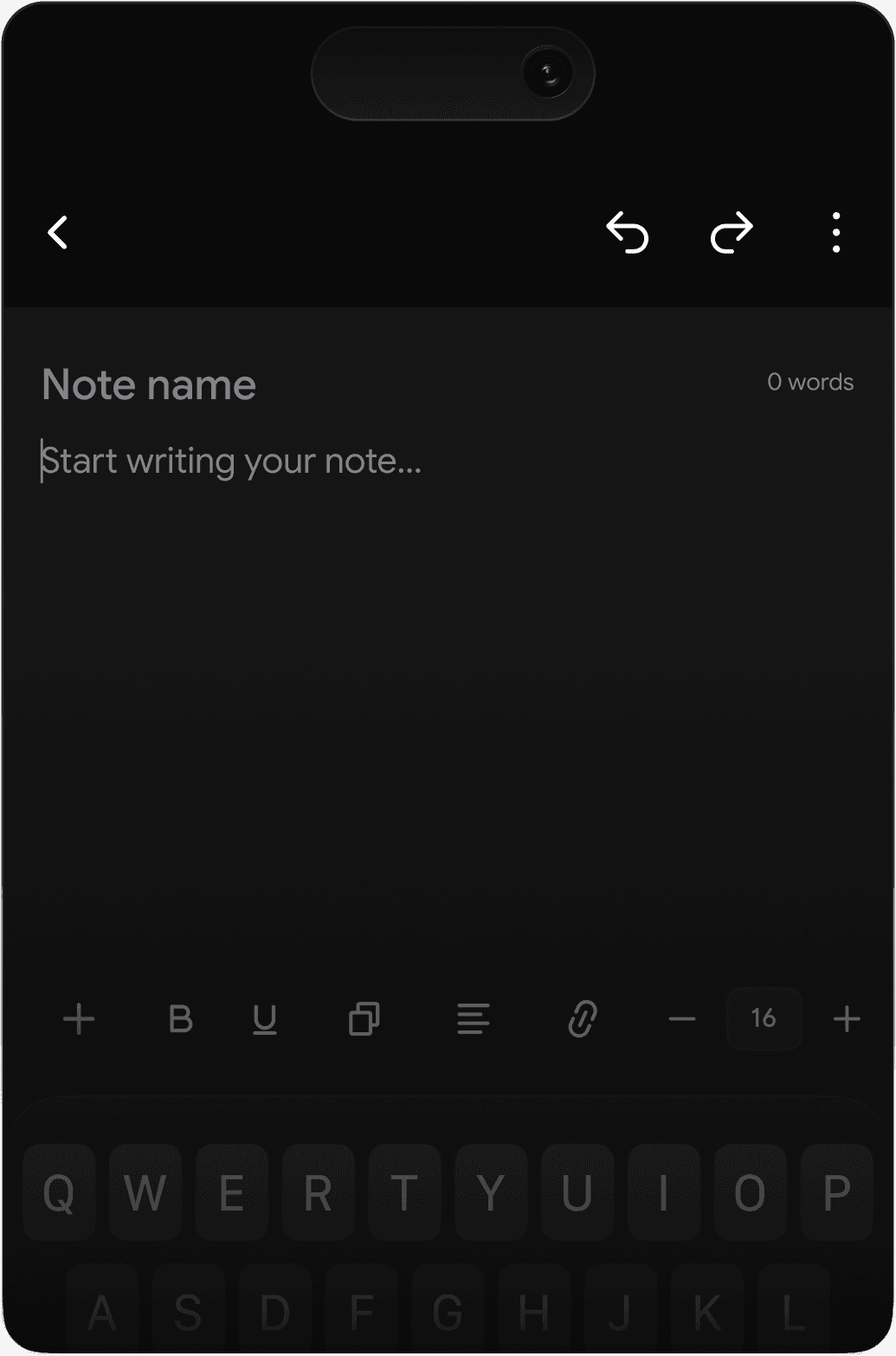
Mobile phone interface showing the MoniNotes rich text editor with a typing cursor, a blank digital note page, and formatting tools.

Rich text editor

Write and format notes with headings, lists, checklists, quotes, and rich text tools in a clean editor designed to help you stay focused.

Privacy features

Private by design. Protected by zero-knowledge encryption and military-grade security, even offline.

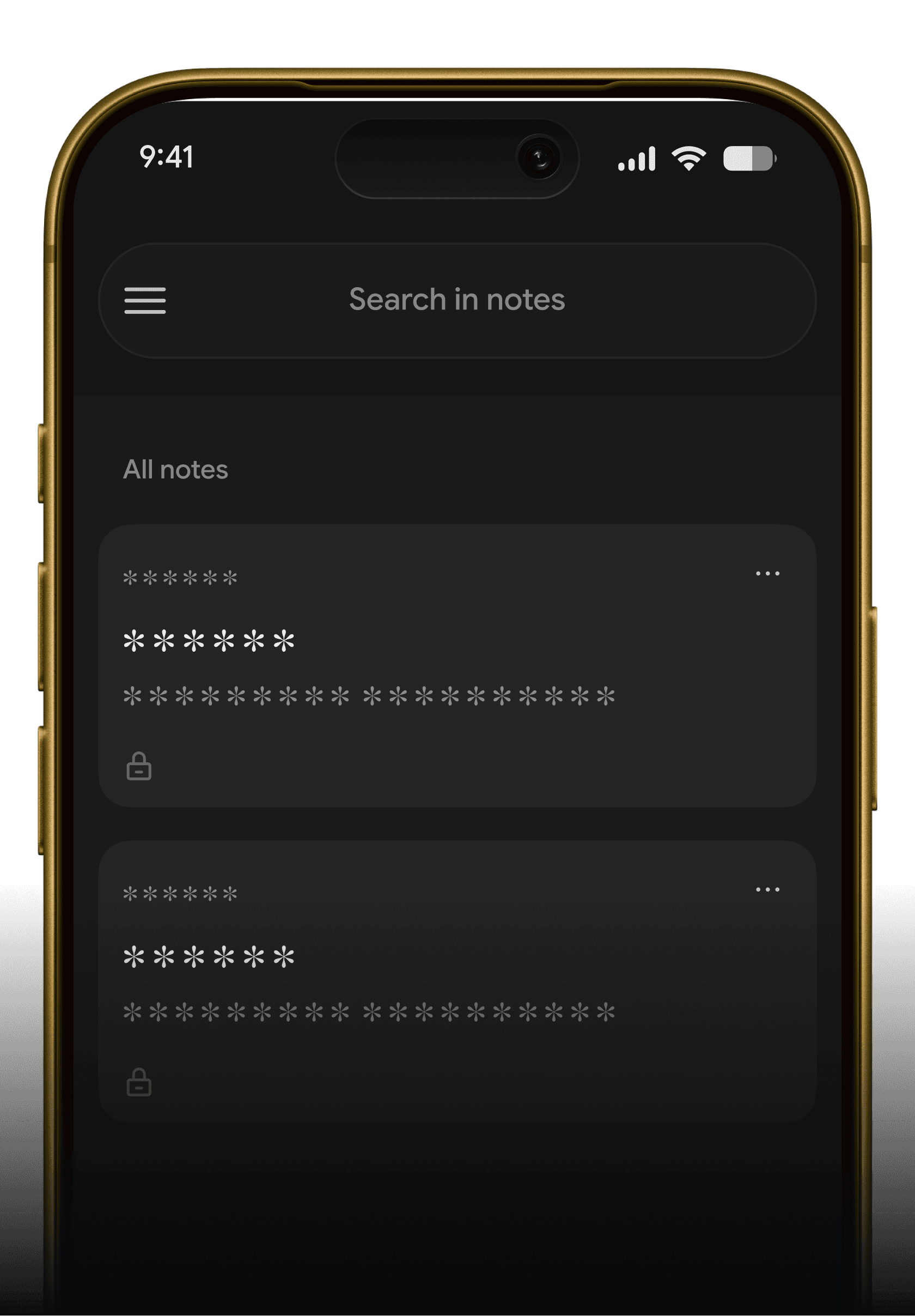
Smartphone displaying the MoniNotes secured list interface, showing encrypted, hidden note previews protected by zero-knowledge architecture.

Zero-knowledge encryption

Your notes are encrypted before they leave your device, so only you can read them - not even MoniNotes can access your private data. We never see, track, or store it.
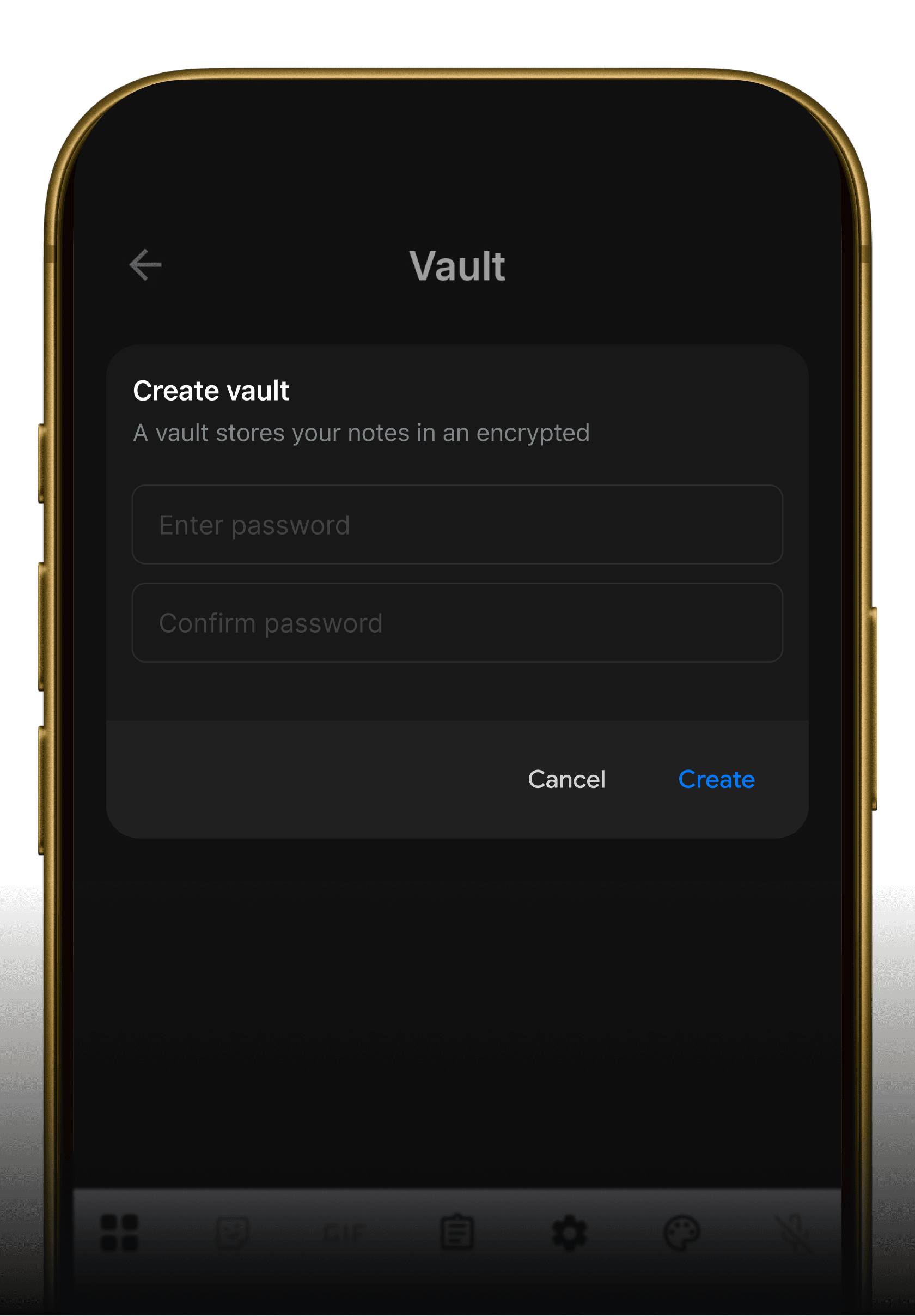
Mobile phone interface showing the MoniNotes Create Vault screen, prompting the user to enter a password to shield highly private folders.

Vault

Add an extra layer of protection for sensitive notes using a secure vault designed to keep private information hidden and protected.
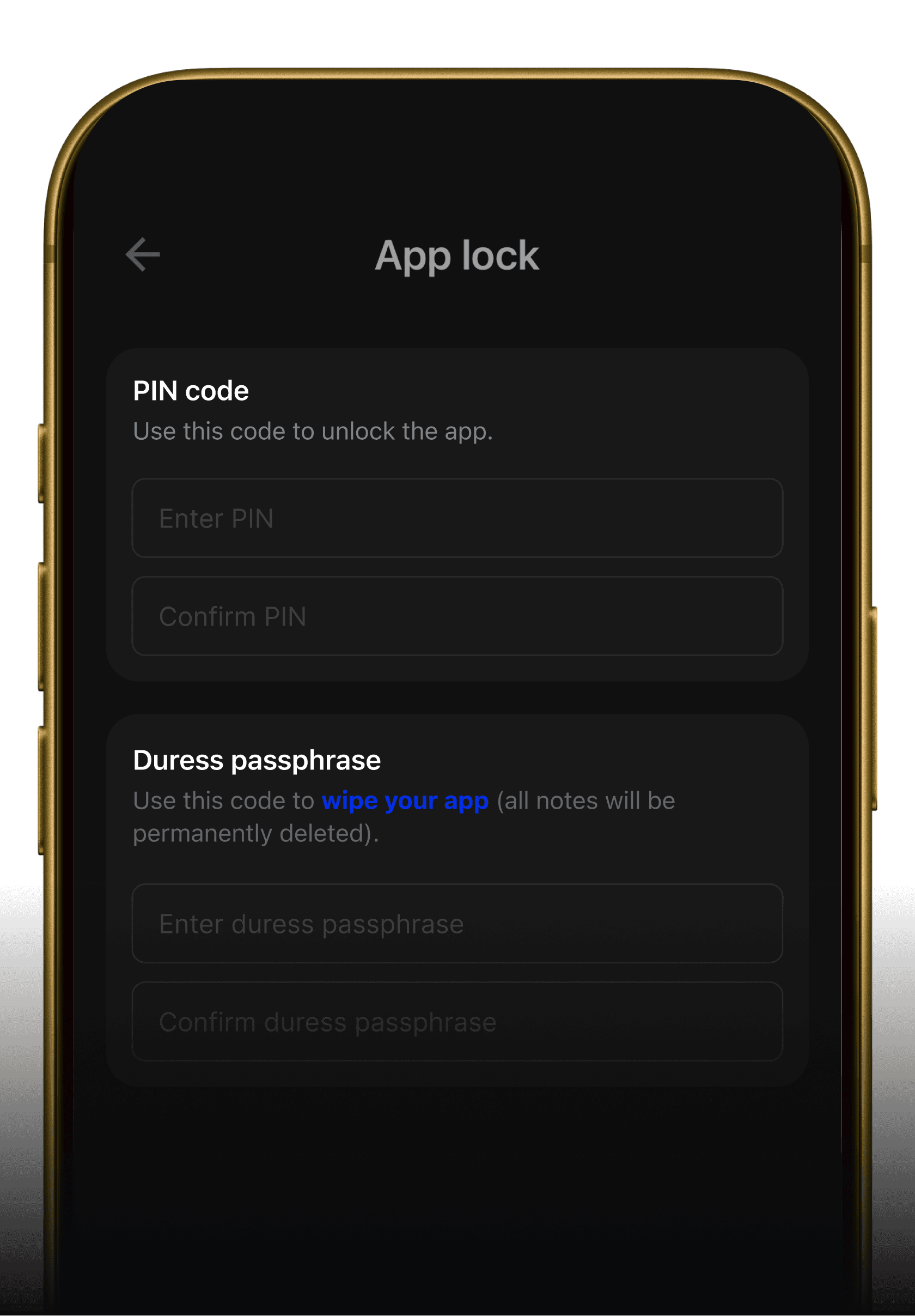
A smartphone screen displaying MoniNotes security settings, configuring an App Lock PIN code and a security-focused Duress passphrase for emergency data protection.

App Lock / Duress passphrase

Secure your notes with a private PIN lock and Duress passphrase. Designed to protect sensitive information from unauthorized access in everyday and high-risk situations.

Why MoniNotes is different

Built to protect your notes — not collect your data.

Typical note apps

  • Uploaded before encryption

    Your notes may be processed before encryption.
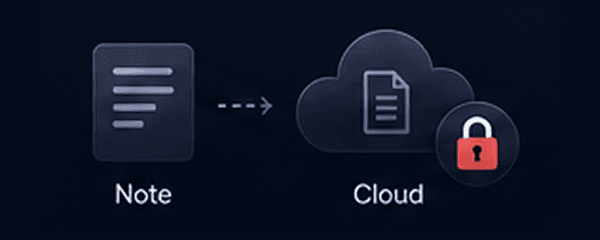
    Diagram showing an unencrypted note file sent directly to a cloud server with a red lock symbol, indicating vulnerable processing.
  • Tracking & analytics

    Your data can be collected, tracked, and analyzed.
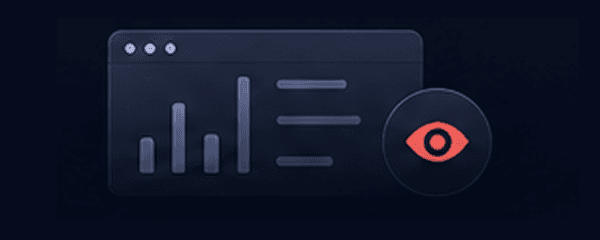
    Graphic of data analytic charts and a red eye icon, illustrating user data being tracked and scrutinized.
  • Internet required

    Some features or your notes need an internet connection.
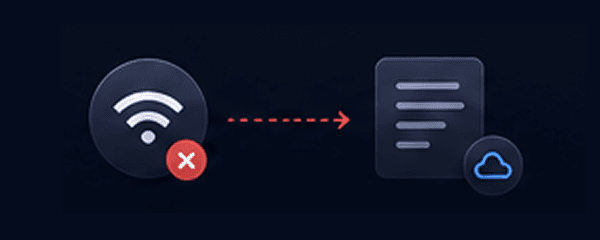
    Diagram showing a Wi-Fi icon with a red 'X' disconnected from a note document, representing a reliance on internet access.
  • Basic app lock

    Only locks the app. Easy to bypass.
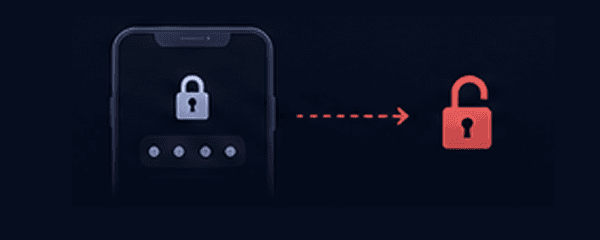
    Icon of a standard smartphone password screen leading to an unsecure red open padlock, symbolizing easily bypassed app locks.
  • No duress protection

    No way to hide sensitive notes in risky situations.
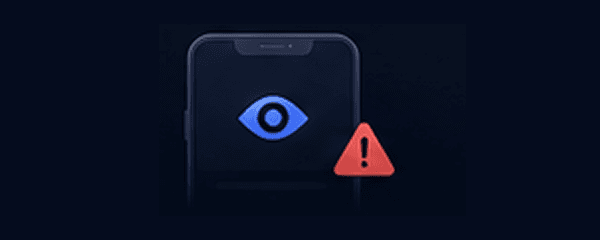
    A smartphone screen graphic showing an eye icon and a red warning triangle, depicting exposure of sensitive files in risky scenarios.
  • They can access

    The service provider may access your content.
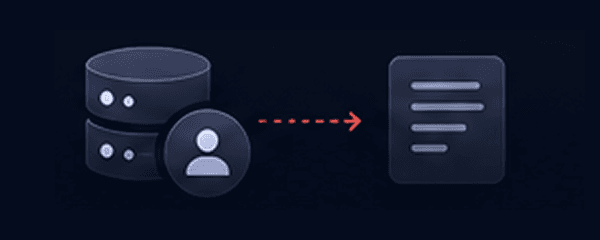
    Diagram showing an external administrator database icon linked directly to a note file, signifying that service providers can read content.

MoniNotes

  • Encrypted before sync

    Notes are encrypted on your device before they leave.
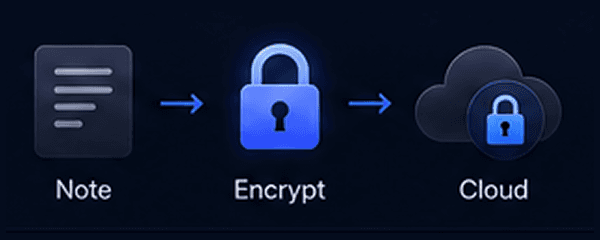
    Diagram showing a note document passing through a secure blue padlock icon before syncing to the cloud, representing local client-side encryption.
  • No tracking. Ever.

    We don't collect, track, or analyze your data.
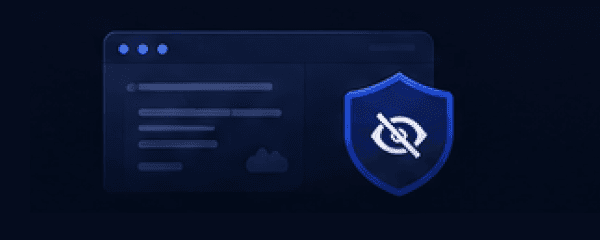
    An icon layout displaying data analytics sheets hidden behind a blue shield with a crossed-out eye, representing absolute tracking block.
  • Works offline

    Access and edit your notes anytime, anywhere.
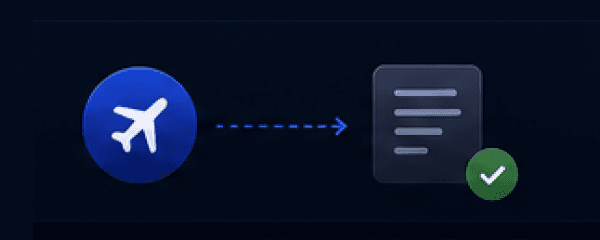
    An airplane icon pointing to a note folder with a green checkmark, illustrating full offline data editing and app performance.
  • App Lock

    Lock with PIN, stronger protection for your notes.
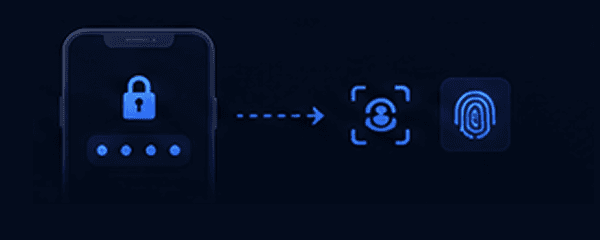
    Graphic displaying a smartphone PIN lock screen verifying biometric face recognition and fingerprint scan icons for advanced app protection.
  • Duress passphrase

    Use a hidden passphrase to unlock a decoy account in emergencies.
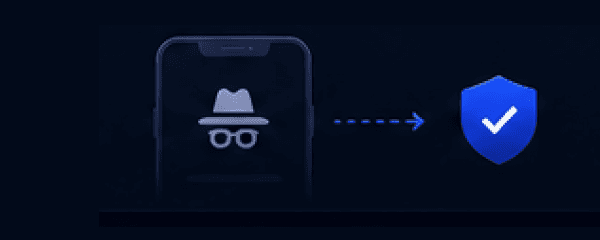
    An icon of a hidden incognito figure leading safely to a blue checkmark shield, depicting an emergency duress passphrase unlocking a decoy profile.
  • Only you have the key

    Only you can unlock and read your notes.
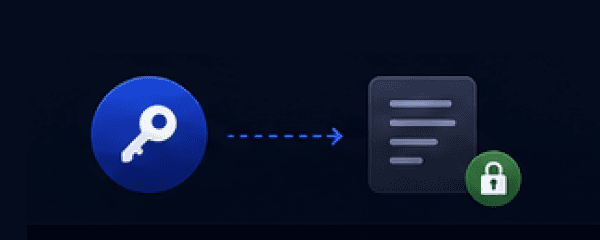
    An icon of a physical key unlocking a note file with a green closed padlock badge, illustrating total cryptographic key ownership.

Flexible Pricing Plans

Try Essential & Pro free for 7 days. Cancel anytime.

Free

Start simple. Stay private.

$0 / month

free forever

Get Started
  • End-to-end encrypted
    Included
  • StorageOn-device
  • Maximum file size10 MB
  • Colors7
  • Notebooks50
  • Security Grade4/5
  • Full quality images
    Not included
  • App lock
    Not included
  • Duress passphrase
    Not included

Essential

More space. More control.

$1.67 / month

billed annually at $19.99 including tax

Start with Essential
  • End-to-end encrypted
    Included
  • Storage1 GB
  • Maximum file size100 MB
  • Colors20
  • Notebooks500
  • Security Grade4/5
  • Full quality images
    Included
  • App lock
    Included
  • Duress passphrase
    Not included

Pro

Most popular

Full power. Maximum privacy.

$5.83 / month

billed annually at $69.99 including tax

Start with Pro
  • End-to-end encrypted
    Included
  • Storage10 GB
  • Maximum file size1 GB
  • ColorsUnlimited
  • NotebooksUnlimited
  • Security Grade5/5
  • Full quality images
    Included
  • App lock
    Included
  • Duress passphrase
    Included

Prices shown are for web purchases. Prices may vary on other platforms.

Download app

Available for free on all your devices

Desktop app

Windows
Coming soon
macOS
Coming soon